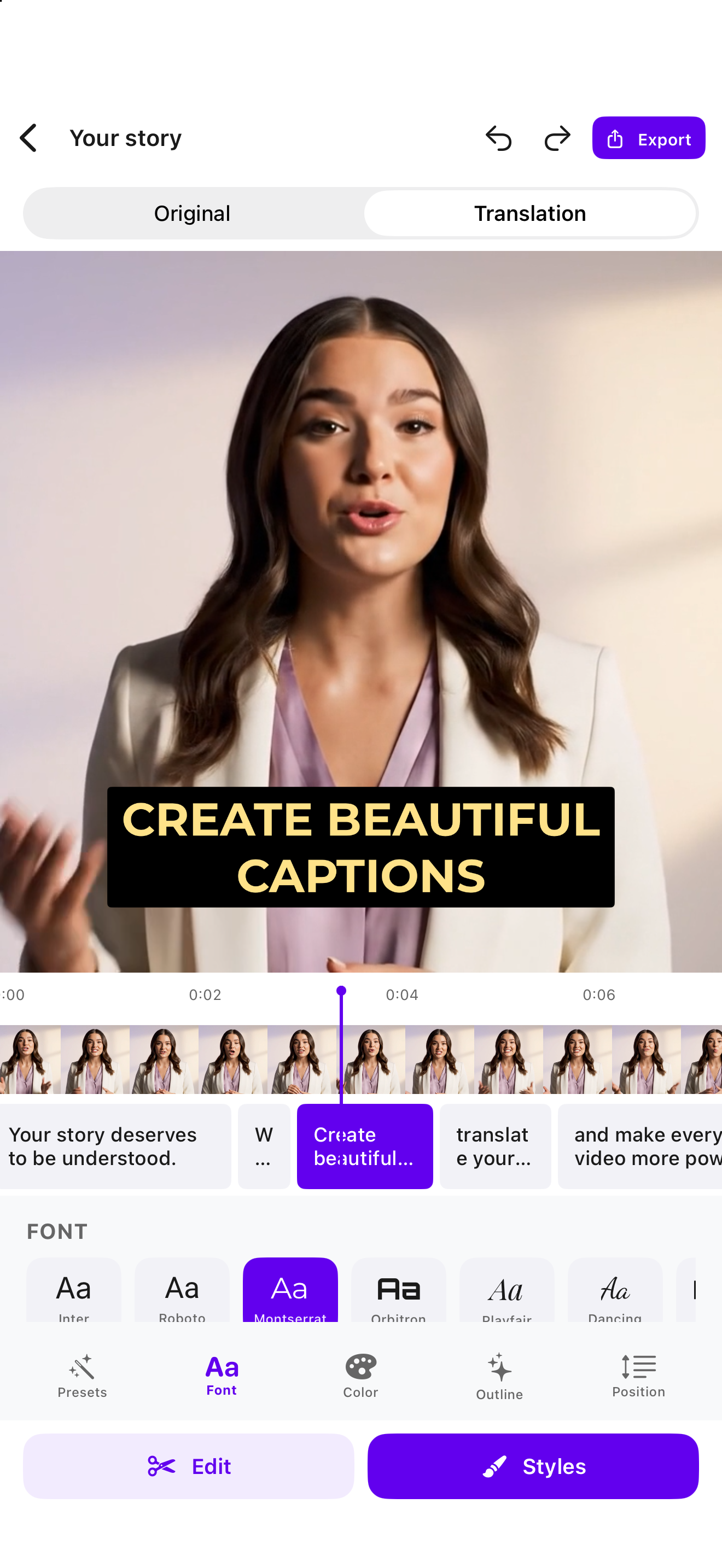
FROM FIRST WORD TO FINAL CUT
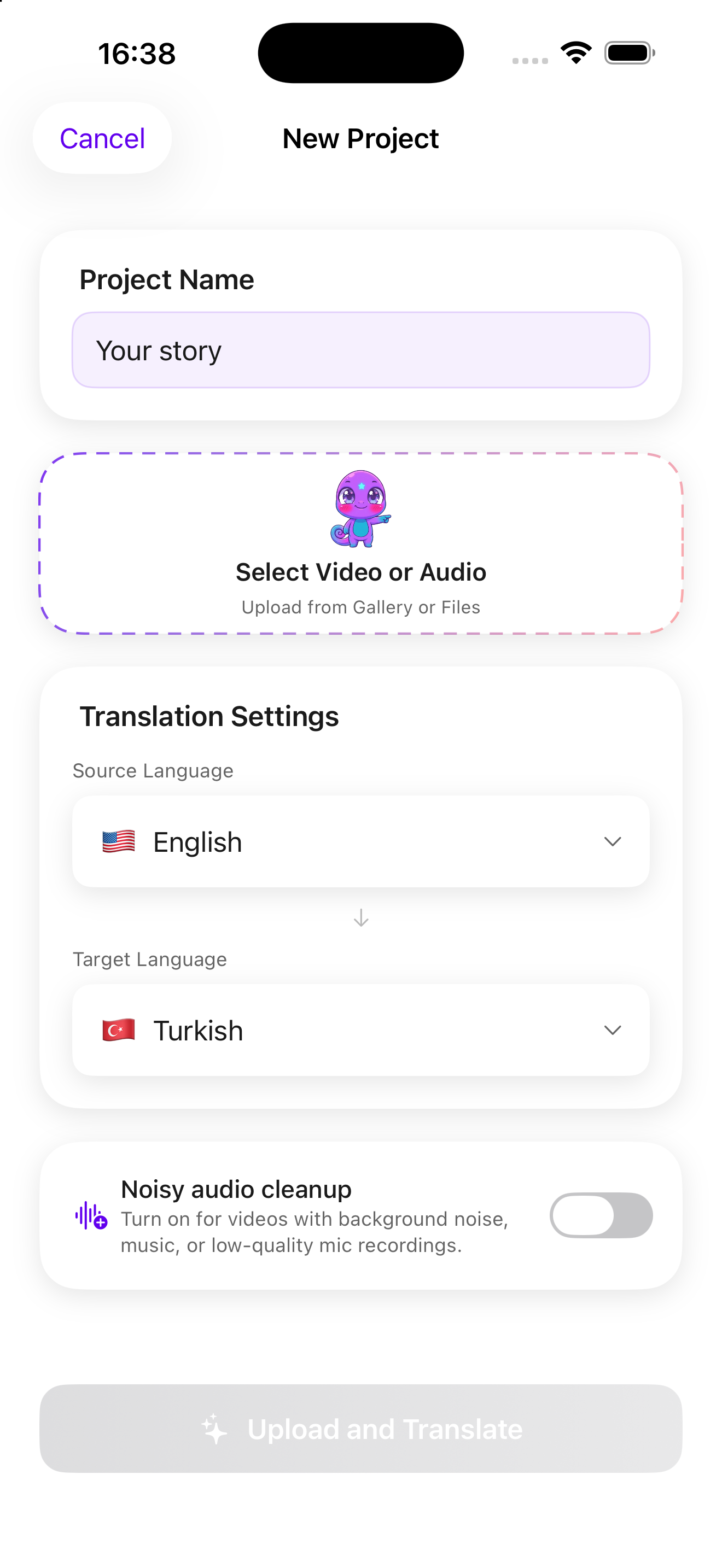
Start with your video.
Choose a video from your library or Files. Subtillo turns the spoken words into subtitles.
A closer look
Create subtitles, translate your message, and make every word your own. Export a captioned video or an SRT file. All from your iPhone.
FROM FIRST WORD TO FINAL CUT
Choose a video from your library or Files. Subtillo turns the spoken words into subtitles.
SAME STORY. MORE LANGUAGES.
Translate your subtitles while keeping your original track. Your message, ready for another audience.
READY FOR WHAT’S NEXT
Choose a font, color, and position. Export your captioned video or take your SRT into your next project.
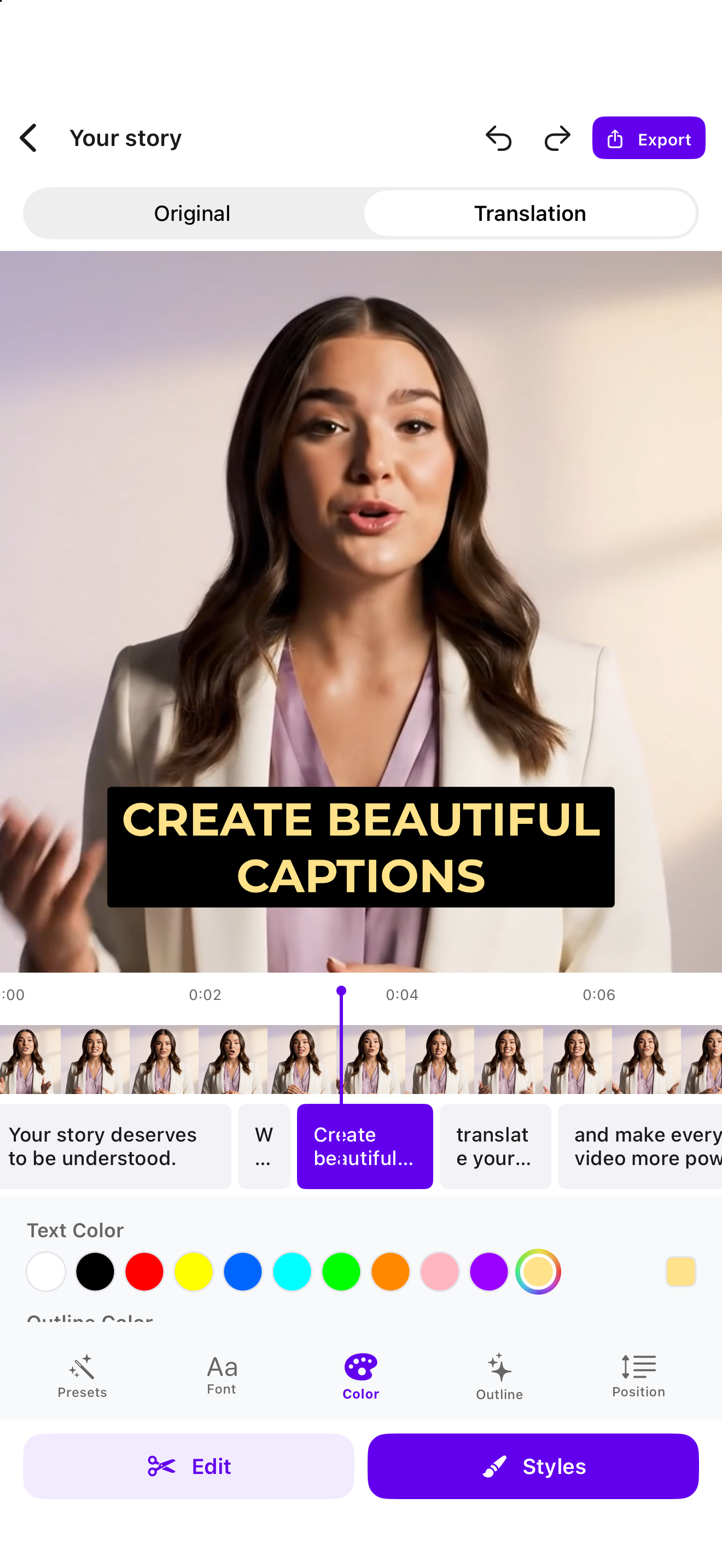
FROM FIRST WORD TO FINAL CUT
Choose a video from your library or Files. Subtillo turns the spoken words into subtitles.
SAME STORY. MORE LANGUAGES.
Translate your subtitles while keeping your original track. Your message, ready for another audience.
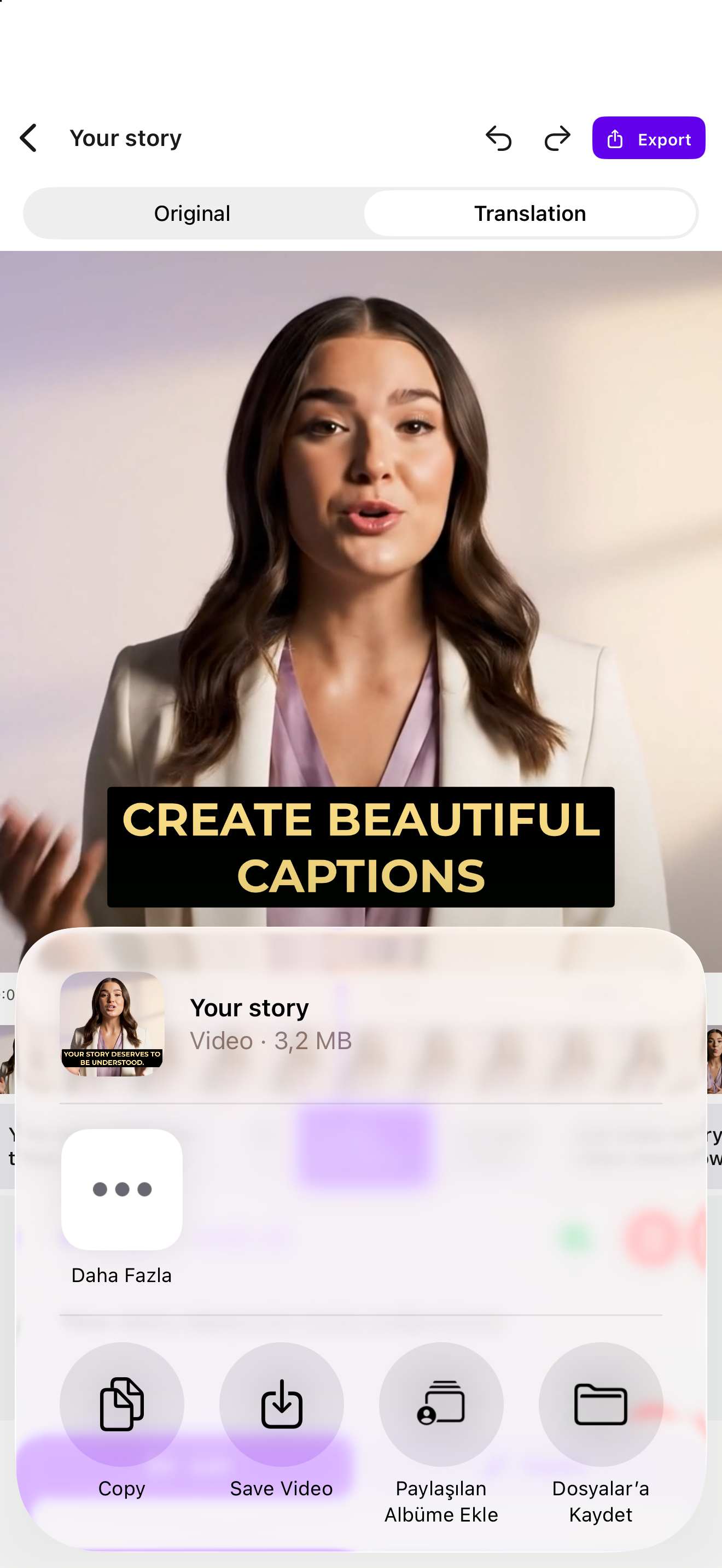
READY FOR WHAT’S NEXT
Choose a font, color, and position. Export your captioned video or take your SRT into your next project.
MAKE IT YOURS
Quiet and minimal or bold and expressive. Adjust fonts, colors, outlines, and placement to find your look.
Explore the stylesTRY A LITTLE SUBTILLO
One clip, a few possibilities. Try a different style or language and see your words take shape.
Sample preview · No upload needed
The video could not load. You can still explore the sample captions and styles.
READY FOR WHAT’S NEXT
Export an MP4 with your subtitles built in. Ready to save and share.
Export an SRT file to use your transcript and timing in another editing workflow.
Yes. Add a video and Subtillo transcribes the speech into subtitles. You can review and edit the result before exporting.
Yes. Choose a target language and translate your subtitles. You can work with both the original and translated tracks.
Yes. Edit subtitle text and adjust each segment’s timing in the app. You can also customize the font, color, outline, and position.
Export an MP4 with subtitles on the video, or an SRT file with subtitle text and timing. Available usage depends on your account and plan.
Make something worth watching. Give it subtitles worth reading.
Download on theApp Store